As soon as I finished watching the Google Chrome OS announcement video the first question that came to my mind was: Will it work on my Mac? Is it possible to run a Google Chrome OS preview using a virtualization software such as VMware Fusion or Parallels Desktop?
The answer is yes. Google Chrome OS actually works inside a virtual machine.
If you are running VMware or VirtualBox, setting up a Google Chrome OS instance is really straightforward. Thanks to the guys at gdgt, you can download a Google Chrome OS image ready to be used with VMware or VirtualBox. Also, Paul Miller from Engadget published an awesome screencast with a step-by-step tutorial to run Chrome OS as a virtual machine.
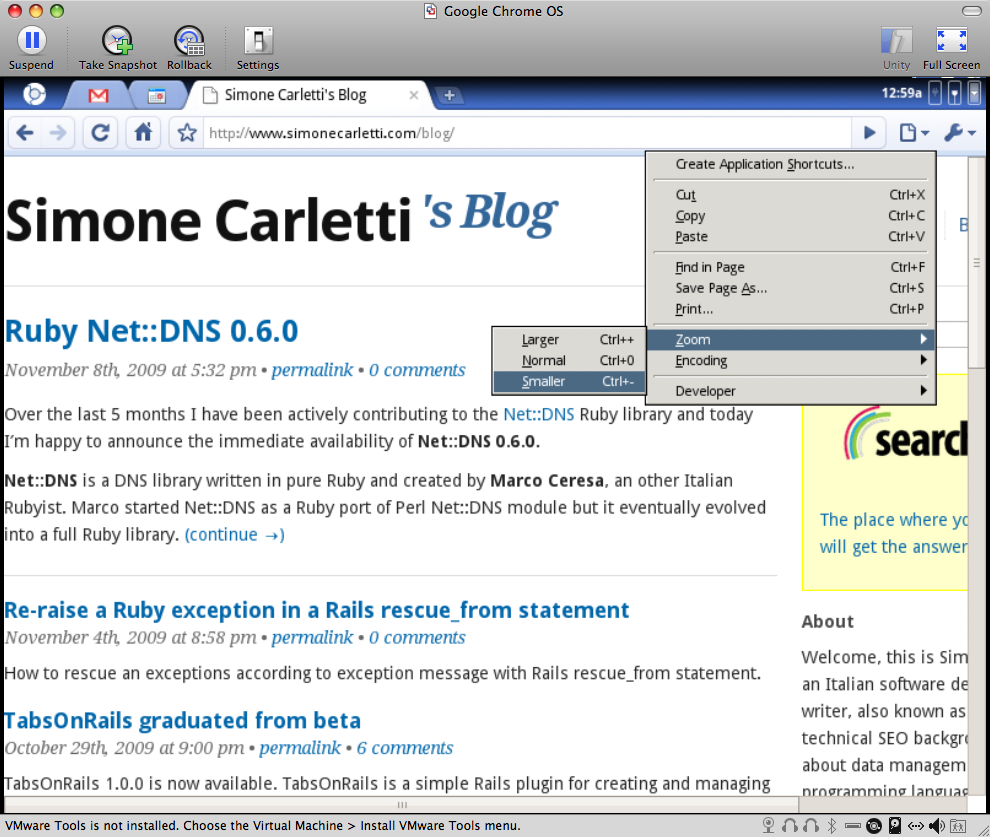
Here’s a screenshot of my Google Chrome OS virtual machine.